
Shop one store at a time
Filter a list by store to see what belongs in this basket. Switch back to all stores to see what’s left for the rest of the trip.
A family shopping list you can talk to. Ask what’s missing, scan a packet for ingredients or add milk from the kitchen Echo.
 ChatGPT
 Claude
 Coming to the App Store
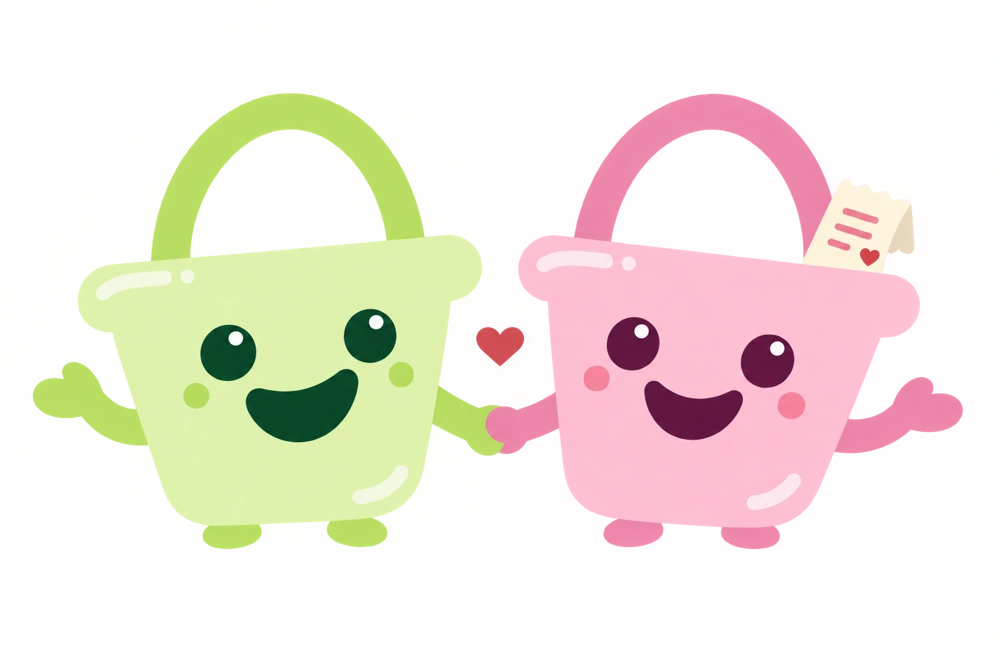




Bill has the green basket. Bonnie has the pink one. Pick a feature to see how a shopping trip looks on iPhone.
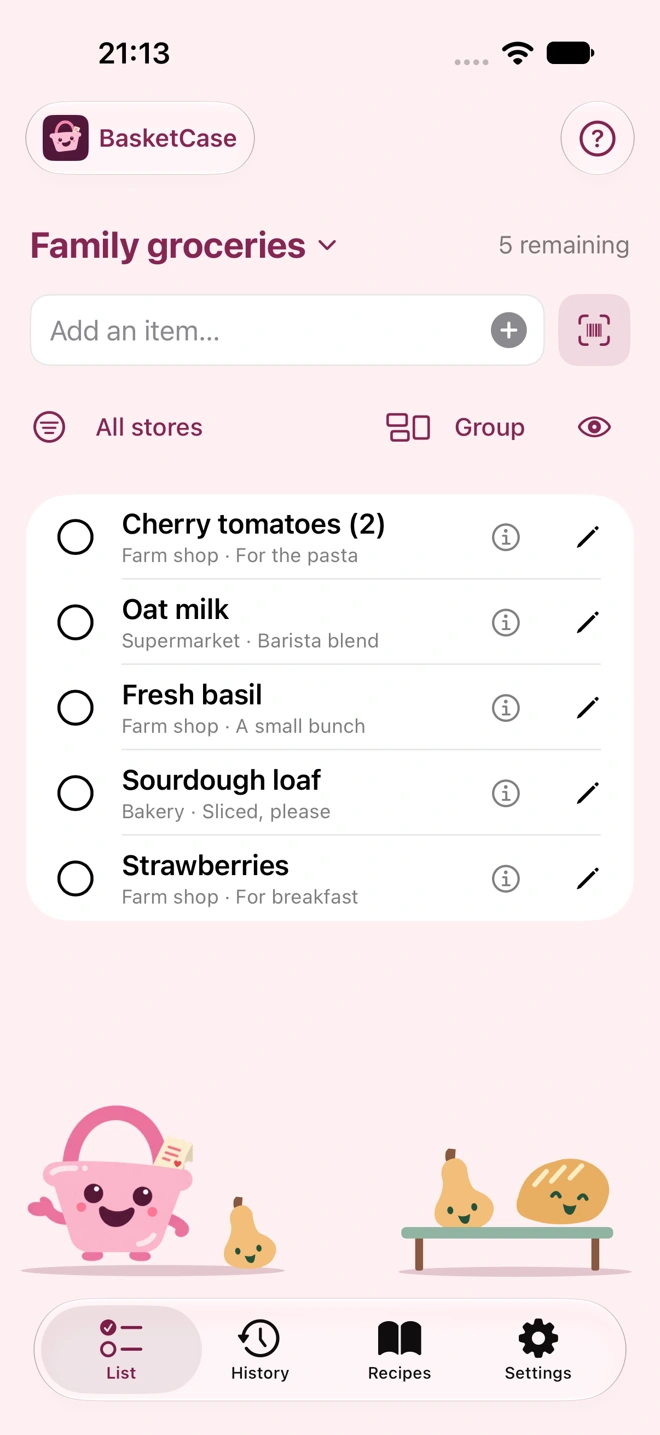
Five things to pick up. The same family list wears Bill’s green or Bonnie’s pink, right down to the seasonal scene.
Select a screen to see it full size.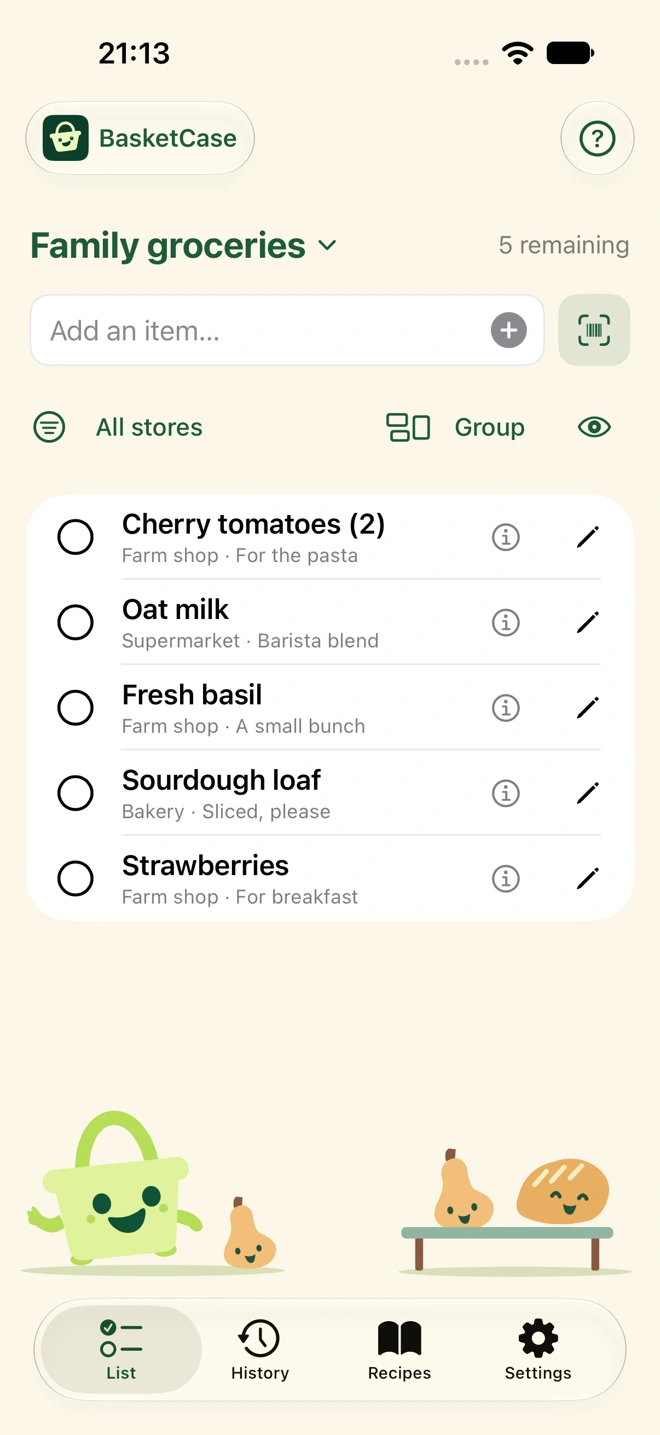
 ChatGPTClaude
Ask in ChatGPT or Claude and get the answer from your family list. BasketCase’s MCP connector lets your assistant read the list you share and update it as you shop.
Ask what to pick up at one shop, change a quantity or check something off as it goes in the trolley.
 Example
conversation
“Is basil already on the list?”
Yes, one bunch. You’ve marked it for the farm shop.
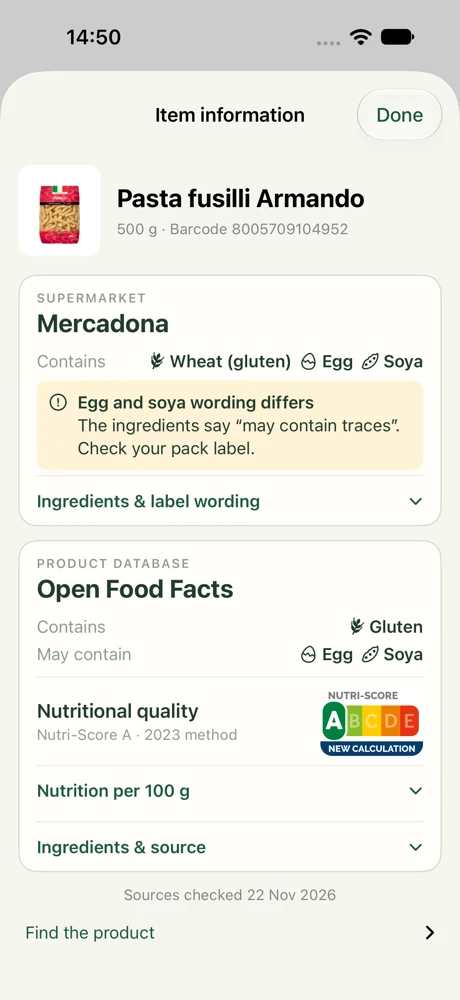
Scan the barcode in the aisle. BasketCase looks up that exact pack in Open Food Facts, a community food database with products across Europe and around the world, and shows retailer information when available.
Some records are incomplete and recipes change. Always check the label on the pack in your hand. A missing gluten or allergen warning can’t establish that a food is safe.
Explore Open Food FactsSomeone uses the last of the milk. Someone else pops into the shop. Both can see what the household needs.
Filter a list by store to see what belongs in this basket. Switch back to all stores to see what’s left for the rest of the trip.
Turn on nearby reminders for the shops you use. A widget puts the remaining count and scanner within reach. A Live Activity can keep the shop on your Lock Screen.

Look through the groceries you bought last time. Add a favourite back to the list when it’s time to stock up.
Already have the pasta? Leave it out and send just the tomatoes, basil and garlic to the list you’re shopping from.
Choose your basket for the daily greeting, Home Screen icon and widget. Seasonal scenes follow your basket through the shop.
Ticked off the wrong item? Give your iPhone a shake and tap Undo to put the last item back on your list.

Open the household list on a linked Echo Hub so everyone in the kitchen can see what’s missing. When somebody uses the last of the milk, they can add it by voice for the person doing the shop.
“Alexa, ask Basket Case to show my shopping list.”
“Alexa, ask Basket Case to add milk.”
Planned connections
We plan to add Google Home
support, more voice assistants and more MCP connectors.



Invited shopper
Got a code? Join the shop.
App Store family subscription
The full app for you and your family.
My wife, Catherine, needed a shopping app. I’m terrible with apps myself, so if I was going to build one we’d both use, I wanted to be able to talk to it. If I’ve got the last milk carton in my hand, I just want to say, “We need milk.”
That’s why I built the MCP connector into BasketCase. I can tell my AI assistant what we need, and Catherine can open the same list when she gets to the shop.
Catherine and our son both have coeliac disease. When I’m standing in the pasta aisle, I need to know whether I can bring a packet home for them. I scan it to read the ingredients and see any gluten or trace warnings. If the label says it contains gluten, I leave it on the shelf. If the information is missing or unclear, I check the packet itself before deciding.
Nick